

Trackr
Trackr Discord Bot
Track invites. Assign roles. Understand your growth. Advanced Discord-native invite tracking with automatic role assignment and analytics.

What Trackr Does:
Automatic Invite Tracking
- Create a standard Discord invite, track it with /invite track
- Trackr automatically detects which invite each member used to join - instantly, with practically perfect attribution even for back-to-back joins
- View detailed analytics with /invite chart and /invite whois
Role Assignment & Logging
- Automatically assign roles based on invite source
- Log joins to specific channels with a refreshed layout - member mention, invite description, invite code, and a timestamp footer
- Perfect for organizing members by recruitment channel
Built-in Analytics
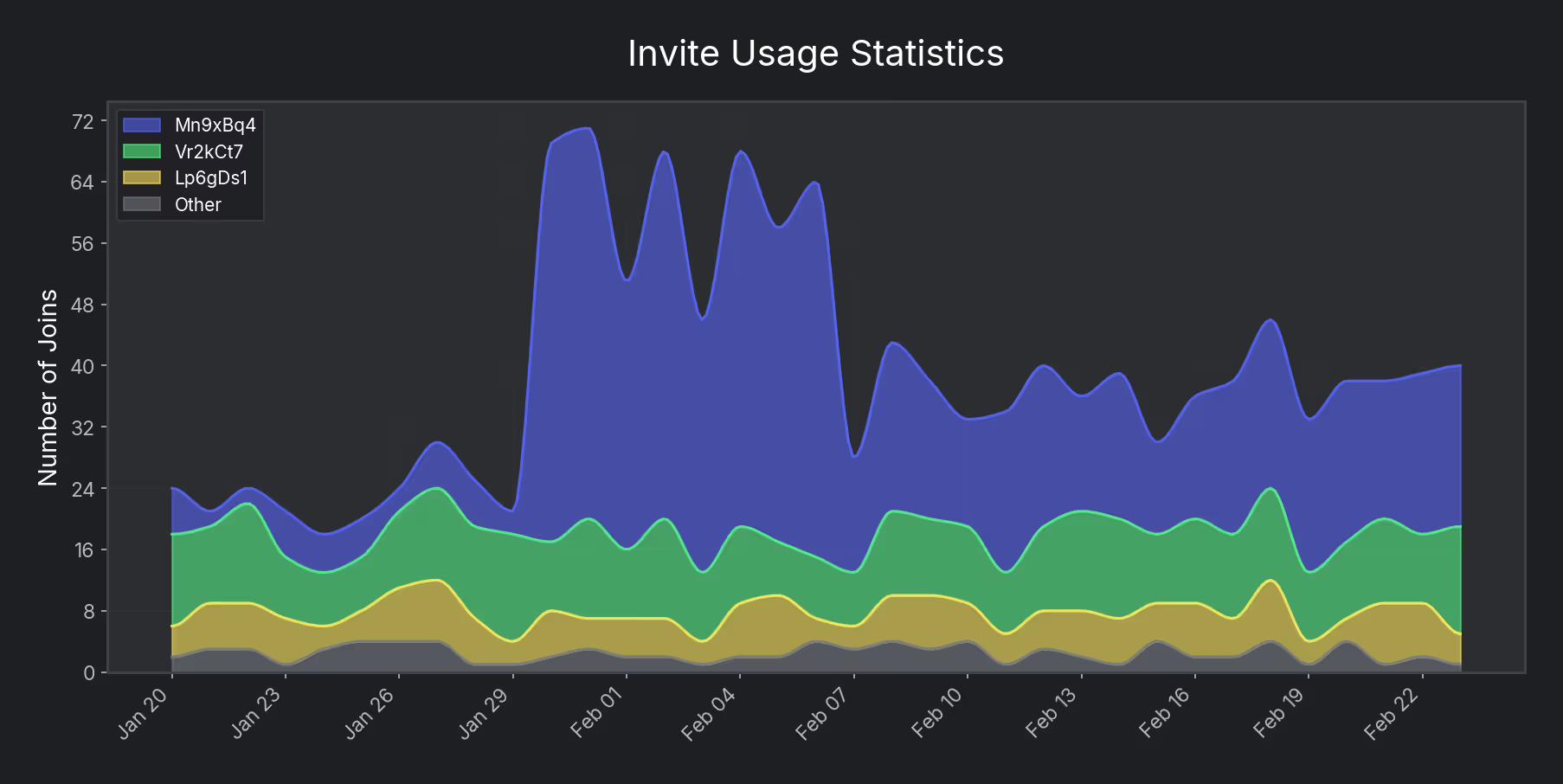
- Visual stacked area chart showing every tracked invite as its own colour band — see at a glance which invite is driving growth at any point in time
- Use the Default mode on /invite chart to see joins from untracked invite codes and understand organic traffic
- Track your most effective recruitment sources and identify growth patterns
Getting Started:
1. Create a Discord invite
2. Run /invite track with the invite URL - your invite is tracked instantly
3. Configure roles and log channel
4. Members join through the standard invite - Trackr handles the rest
Manage and review your tracked invites directly from /invite list and /invite info using interactive buttons. No system channel access required.
Free tier: Up to 4 tracked invites, 7-day chart lookback
Pro tier: Unlimited invites, 365-day analytics, multiple log channels per invite
Use /debug to validate your setup. Join our support server at nicebots.xyz/discord for help.
Reviews
No reviews yet.