


Wamellow
Wamellow Discord Bot
1. Free & Customizable YouTube, Twitch, Bluesky and Reddit Notifications
Notify your community about new posts and live streams with ease and style in real-time! (read the docs) (watch tutorial)
2. Text to Speech, Chat to Speech, TTS
Talk in voice chats with 97+ custom voices in 10+ languages! (read the docs) (watch tutorial)
3. Custom username, avatar, banner & bio
Whitelabel Wamellows appearance in chat when using commands, getting notifications and in the member list!
4. Free AI Cat Girl (/meow)
Your own personal cat girl, with any time >~< meow,,
5. Free AI Chat Bot (/ask)
Your personal chat bot with llama 3, gemma 2 models and more!
6. Free /anime command
View waifus, nekos and many more types of anime characters directly in Discord!
7. Starboard
Chose from over 10+ options to create your own starboard! (read the docs)
8. Custom welcomer/greeter
Select from over 9+ options to greet members, for free! (read the docs)
9. Custom byer/farewell
Select from over 4+ options to say good bye! (read the docs)
10. Captcha verification
Verify members with a captcha, to prevent raids & bots! (read the docs) (open preview)
11. /rank cards and /leaderboard
Create your own rank cards with custom backgrounds and colors for free! (open preview)
12. Message, Voice & Invite tracking
Track your members activity with style (open preview)
13. Custom Commands / Tags
Create your own custom commands for free to easily answer repetitive questions!
14. Stickymessage
Create a custom sticky message that always stays on the bottom of your channels! (read the docs)
15. Daily Blåhajs, Animes & Nekos
Get daily posts of your favorite content directly into your server!
16. Transcribe Voice Messages
Easily transcribe any voice message if you're unable to listen to it
17. Bluesky × Discord Bridge
Bridge Bluesky and Discord together with customizable notifications and liking posts inside Discord! (read the docs)
18. Amazing Dashboard
Manage your servers and profile with ease online!
---
Invite Wamellow | Documentation | Join our Support Server
---
## 🚀 Quick setup
1. Invite Wamellow to your server.
Select the server you want to add Wamellow to and click "Authorize".
2. (TTS) Speak with /tts voice in any voice channel.
Just run the /tts voice command in Discord to speak in any VC.
3. (TTS) You can create a new channel to use Text to Speech in.
Don't forget to also enable the Text to Speech in that channel on the dashboard.
4. (TTS) Change the language and voice on your profile.
You can change the default language and voice on our website or with the /tts set speaker command inside of Discord.
5. (Notifications) Setup on the dashboard > Notifications
Click "Create new Notification," enter a channel URL and a Discord channel, DONE!!
Read the docs here.
6. (Optional) Want to disable some commands?
Use the Discord Integration Settings to disable commands.
7. (Optional) Something not working right?
If you need help, join the Community Server.
---
## 🔊 Text to Speech
You can either generate files using /tts file, talk in voice chats with /tts voice or setup a dedicated channel! Great for people with aphonia, dysphonia, or other speech impairments, like me.
- 10 languages & 100 voices (preview)
- Usage logs (setup)
- Priority role (setup)
- Blacklist role (setup)
- Announce user (setup)
- Message queue (setup)
- Allow bots, apps and webhooks (setup)
- Custom max message length (setup)
- Text-to-Speech AutoMod (setup)
- 6 voice filters (/tts set filter)
- 4,000 characters per message
- Free auto-translate
- Privacy focused & no logs
Wamellow currently supports the following languages:
- 🇺🇸 English (US/UK/AU)
- 🇩🇪 German
- 🇫🇷 French
- 🇮🇹 Italian
- 🇪🇸 Spanish
- 🇲🇽 Spanish, Mexico
- 🇵🇹 Portuguese
- 🇧🇷 Portuguese, Brazilian
- 🇮🇩 Indonesian
- 🇯🇵 Japanese
- 🇰🇷 Korean
Filters are a way to tamper with the voices when using Wamellow in VCs, they can be toggled using /tts set filter by VC moderators. This setting applies to anyone currently using Wamellow in the VC, all filters will be removed once Wamellow leaves. Multiple filters can be enabled and used at the same time.
Wamellow currently supports the following filters:
- Vaporwave
- Nightcore
- Rotation
- Tremolo
- Vibrato
- LowPass
- Pitch (0.1x - 2x)
- Speed (0.1x - 2x)
You can automatically translate your messages from any language into your current TTS language for free. Either append -tr to the end of your message (like "Hello World -tr") or set translate to yes when using the /tts voice command.
Open Text to Speech setup Guide
---
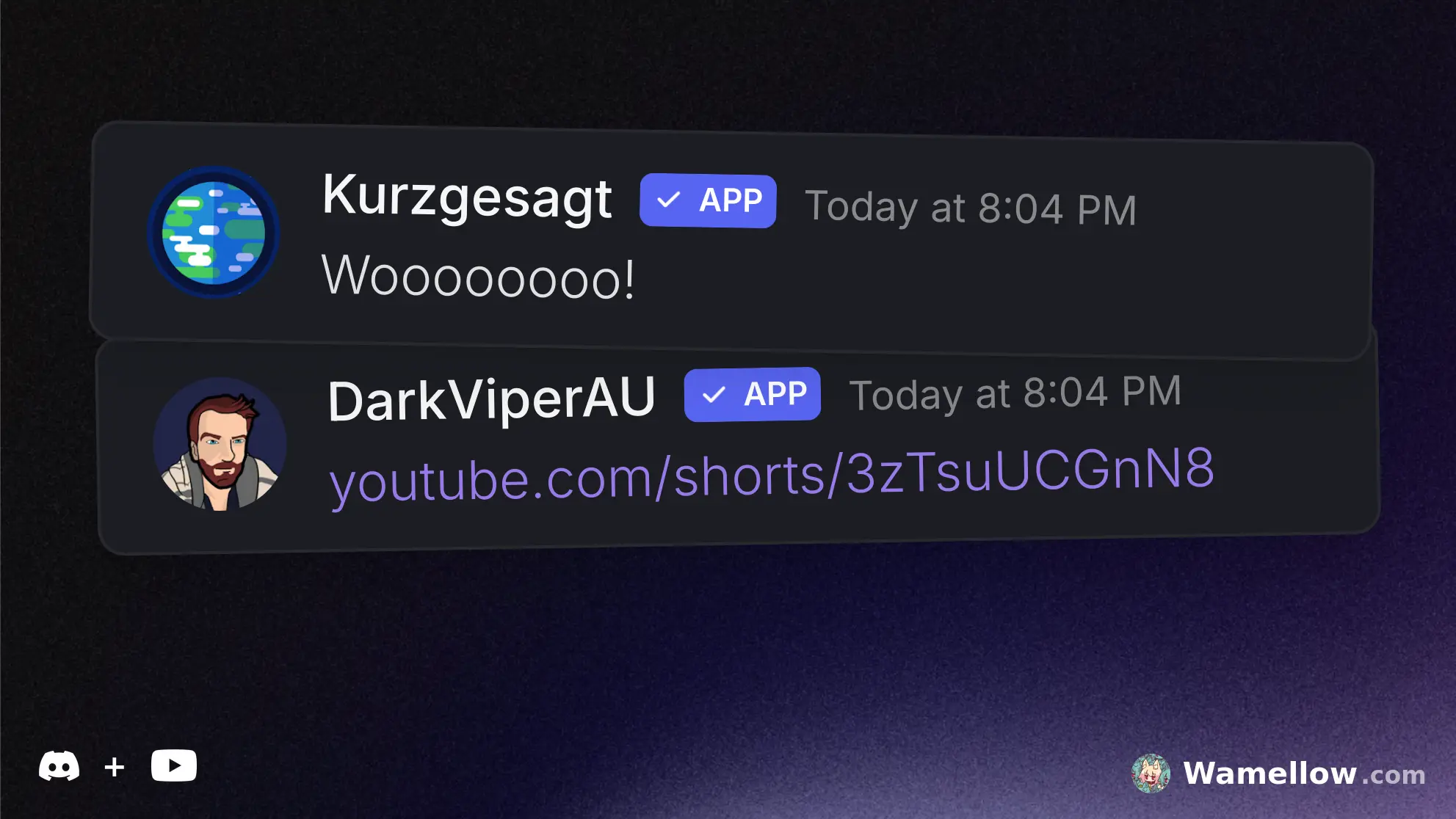
## 📢 Stylish Social Notifications
Set up notifications with free custom messages and embeds for up to 1,000 channels and get notified in less than a minute.
Wamellow is the first and only Discord Bot to officially support Bluesky (bsky.app) for post notifications in Discord!
- Twitch streams, YouTube videos, Bluesky and Reddit posts
- Custom post filters
- Up to 1,000 channels
- Custom message and embed
- Custom username & avatar
- Custom regex filters
- Sent within seconds
- World class support
- Over 99.9% monthly uptime
Open Notification setup Guide
---
## 🕵️♀️ Bot & Notification Styles (whitelabel)
The Styles feature enables you to customize (or whitelabel) Wamellow's appearance by modifying its username, avatar, banner, and bio. These customizations apply across all bot interactions, including commands, features, and the server member list.
The style can also be customized separately for each social notification. Wamellow will automatically manage the webhooks for you.
The username must follow the name constraints set by Discord. The avatar must be a .png, .jpg, .jpeg, .gif, or .webp file and be less than 8MiB in size. (Animated formats like GIFs are also supported)
Open Dashboard
---
## 🩵 Bluesky × Discord Bridge
React with a 🩵 light blue heart emoji to any message containing a Bluesky post to like the post on Bluesky!
When Wamellow sends a Bluesky post notification in Discord, you will see two additional buttons that allow you to interact directly with the post:
- Like: Click the 🩵 button to like the post on Bluesky.
- Repost: Click the repost emoji button to repost it.
Open Bluesky setup Guide

---
Wamellow is rated more than overwhelmingly positive by tens to hundreds of users and is trusted by tens thousands of servers!
Despite of what this site may suggest, Wamellow rarely ever goes offline, and its uptime is excellent and exceeds 99.9%! If you experience issues, please check discordstatus.com, or your ISP first, if you still think Wamellow is down - which is very unlikely - join our community server!
Reviews
mwlica
<3